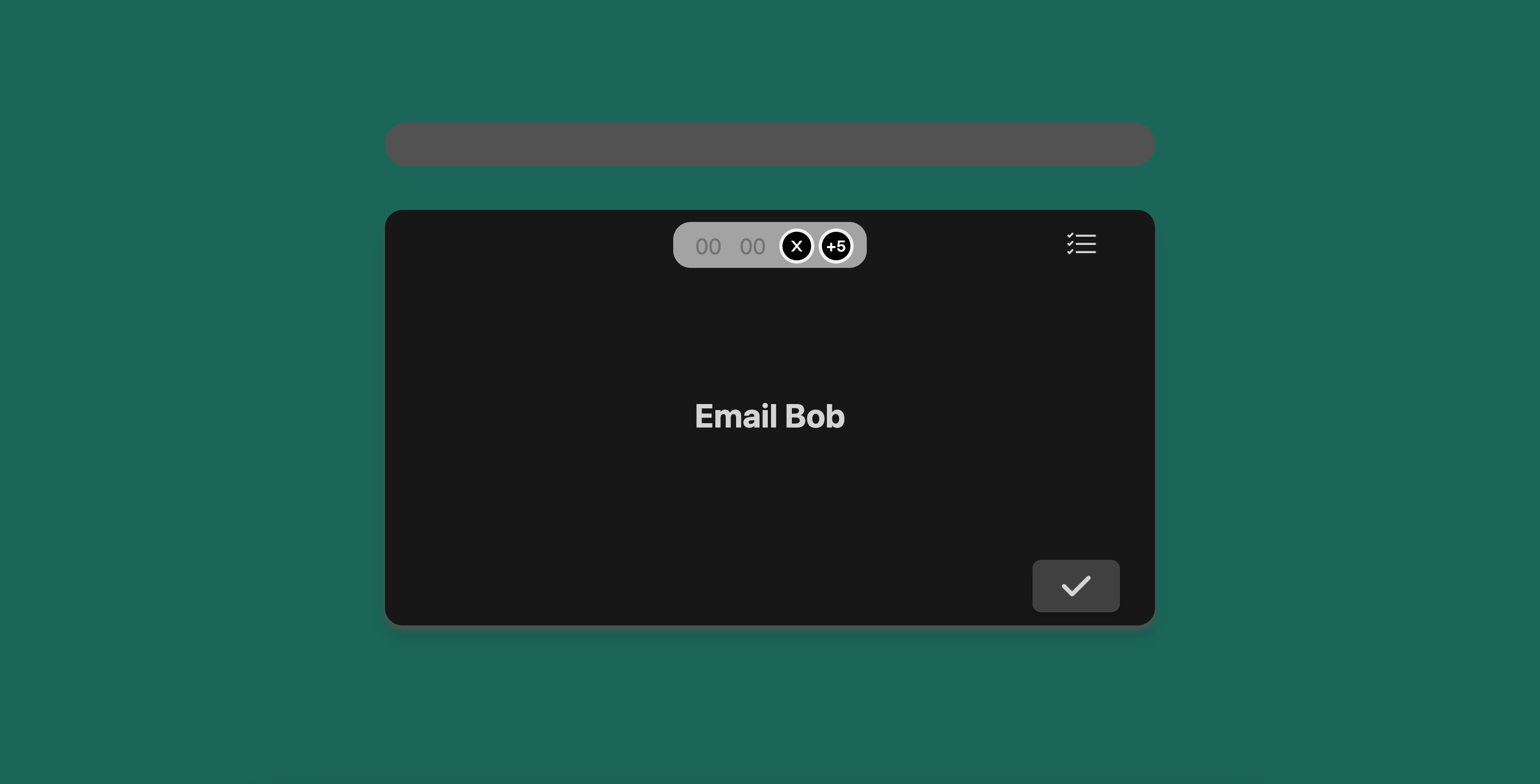
Preset Timer
When you create a new task, simply type in a number at the end to indicate the timer associated. The number indicates minutes.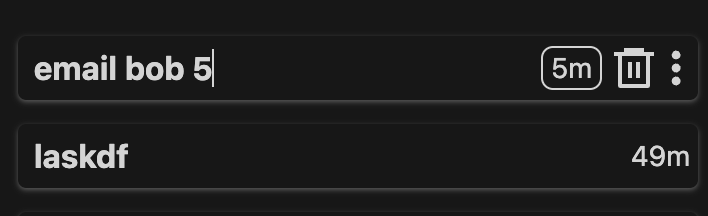
Old Timer
You will see this kind of timer when you don’t preset a time. Before doing your task, select a time from the button group.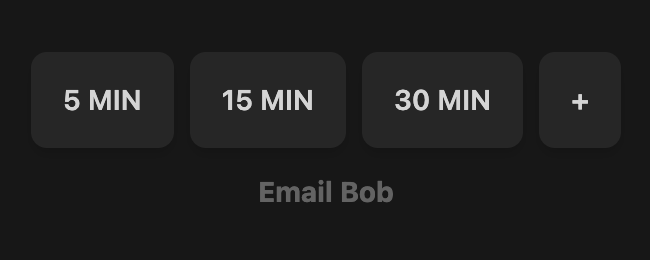
+ button to add more time.
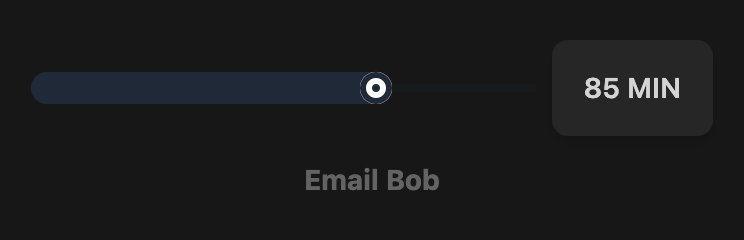
Ideally, each task should take 30 minutes at max. Anything longer can likely
be broken down.
Banner
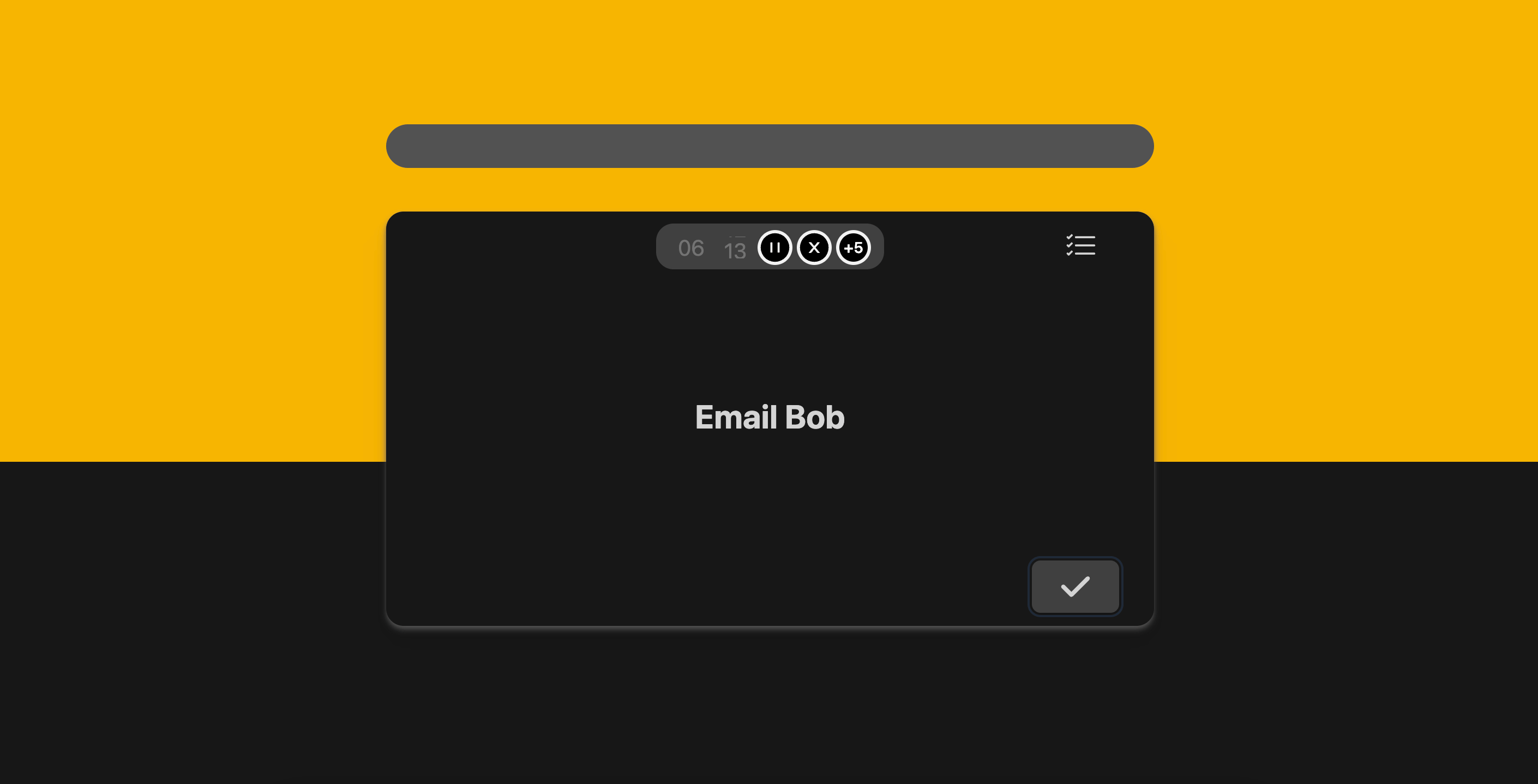
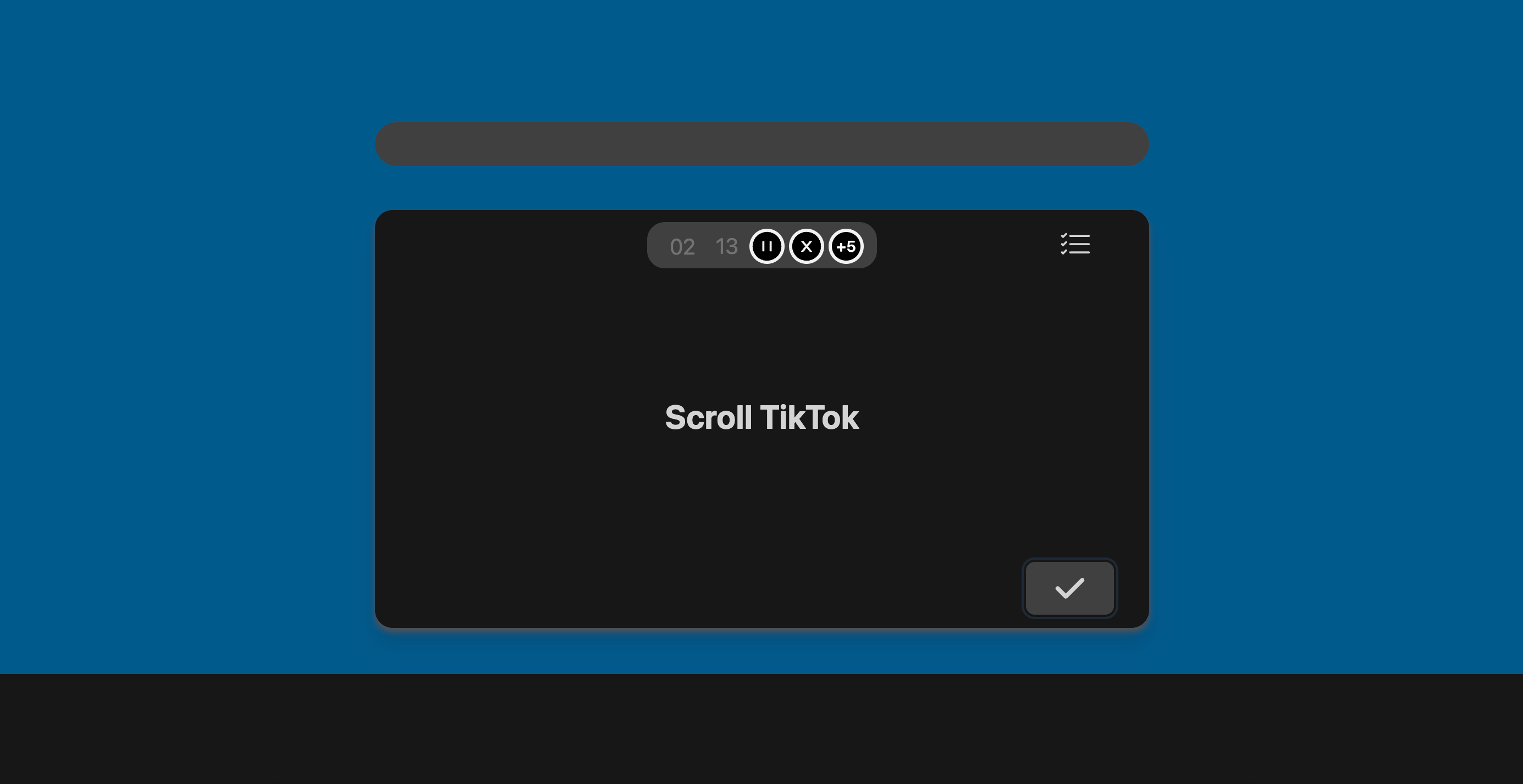
When you are focusing on your task, we want to minimize distractions. We designed the banner to give you a sense of time using your peripheral vision. There are different colors indicating different states.Yellow
Blue
Green