What is this?
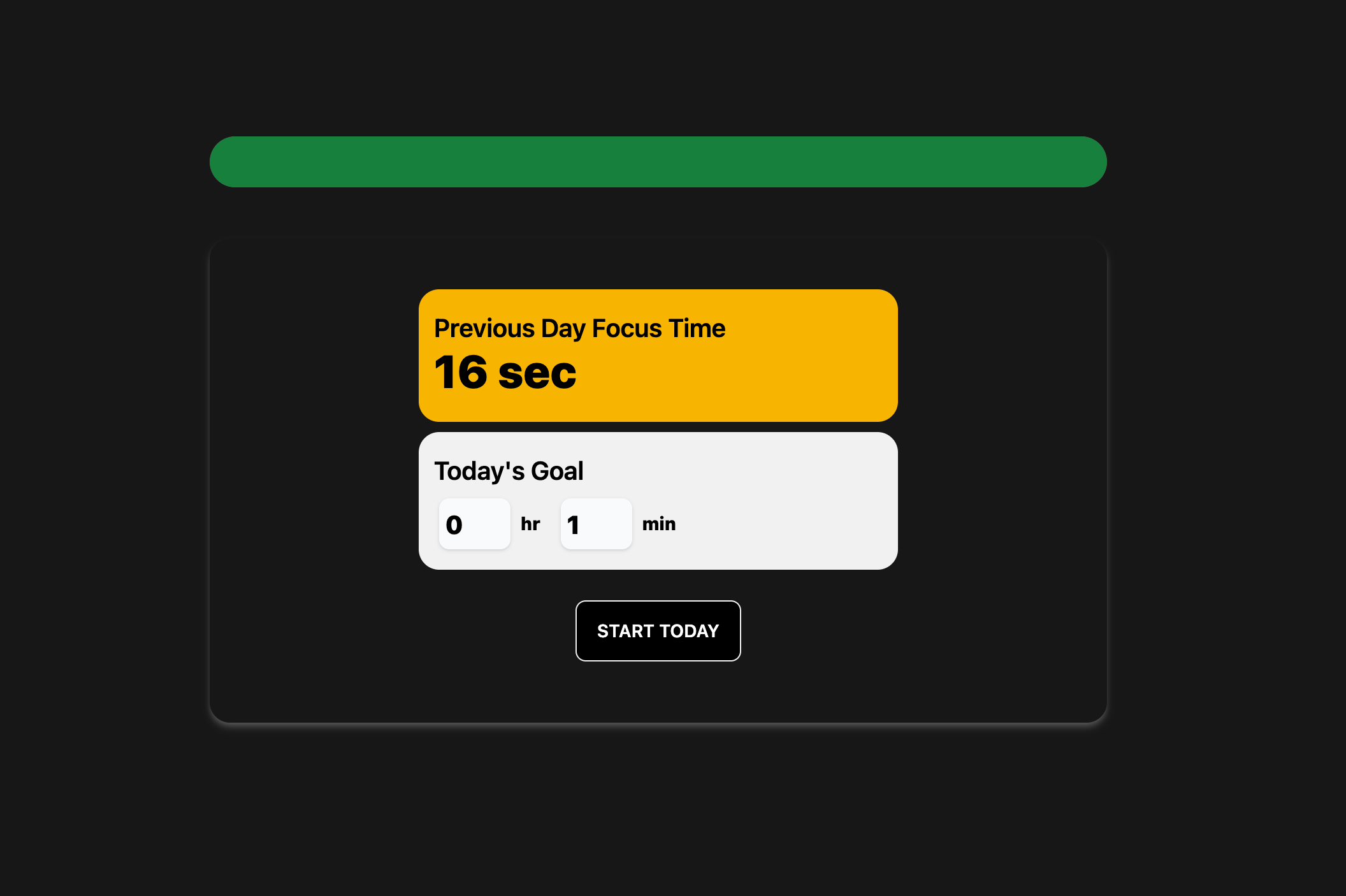
When you start your day, your Forget will display something like the screenshot above. It shows the previous day’s focus time, and automatically pre-fill today’s goal for you. You can edit the goal, and then start your day.Goal Tracking
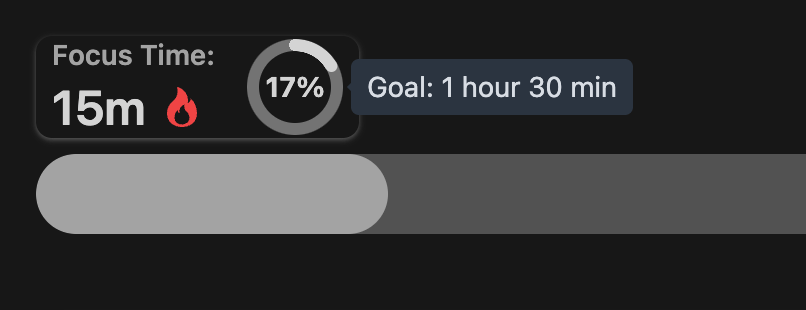
Once you start your day, you’ll see a radial progress bar at the top-left of your screen.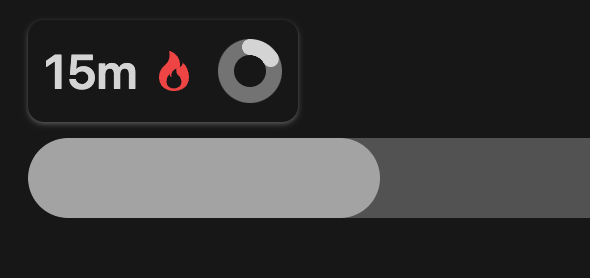
The fire icon in the screenshot indicates that the user has broken her
personal record.