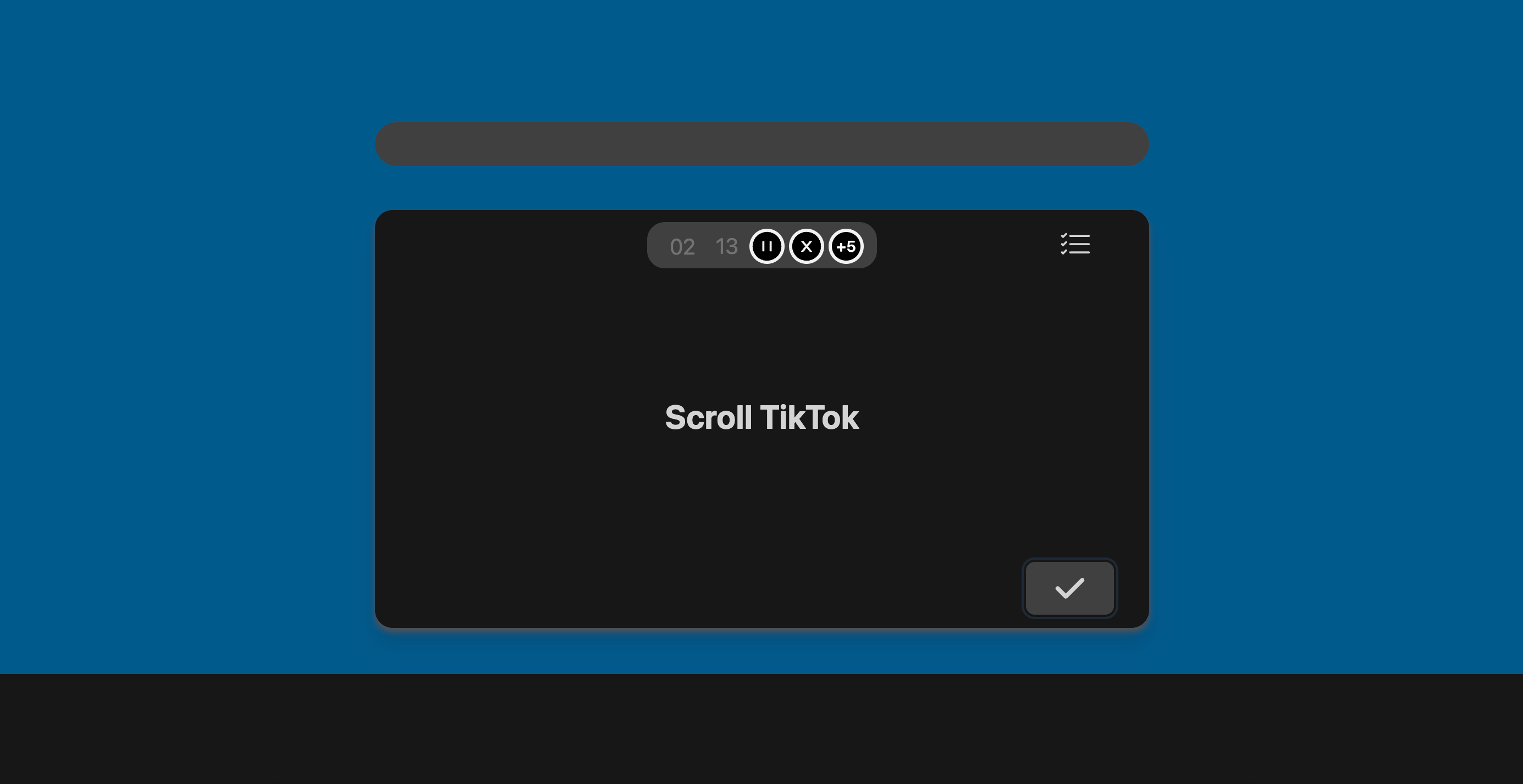
Why use breaks?
Taking breaks is important. However, for ADHD brains, it can be difficult to remember to come back to the task you were working on. This is where the Breaks feature comes in. We encourage you to plan out breaks ahead of time, so you can enjoy them without worrying about whether you’ll remember to come back to your task.How does it work?
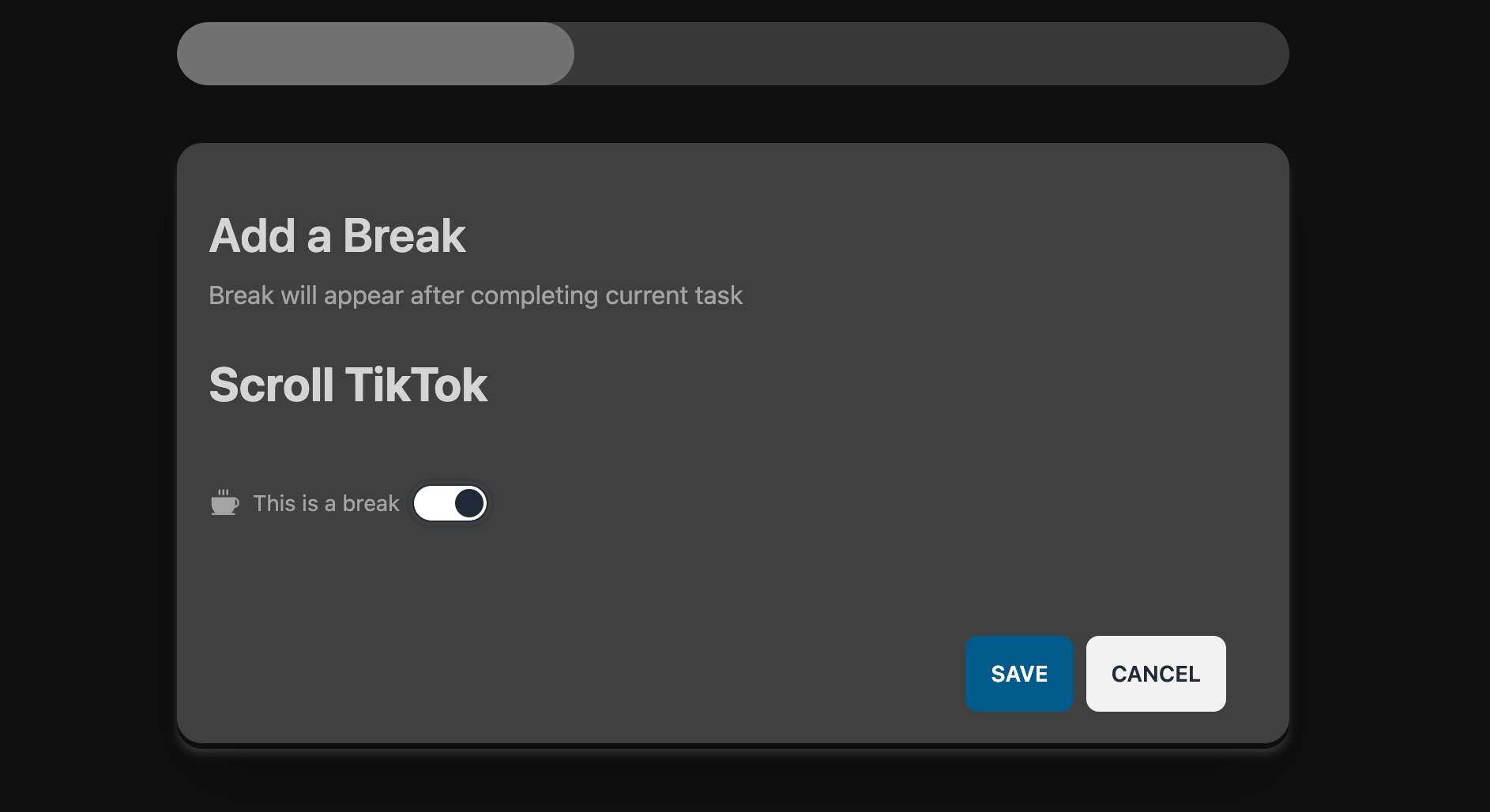
There are two ways to mark a task as a break.1. Via Quick Add
Simply pressn to open the Quick Add window.
2. Via List View
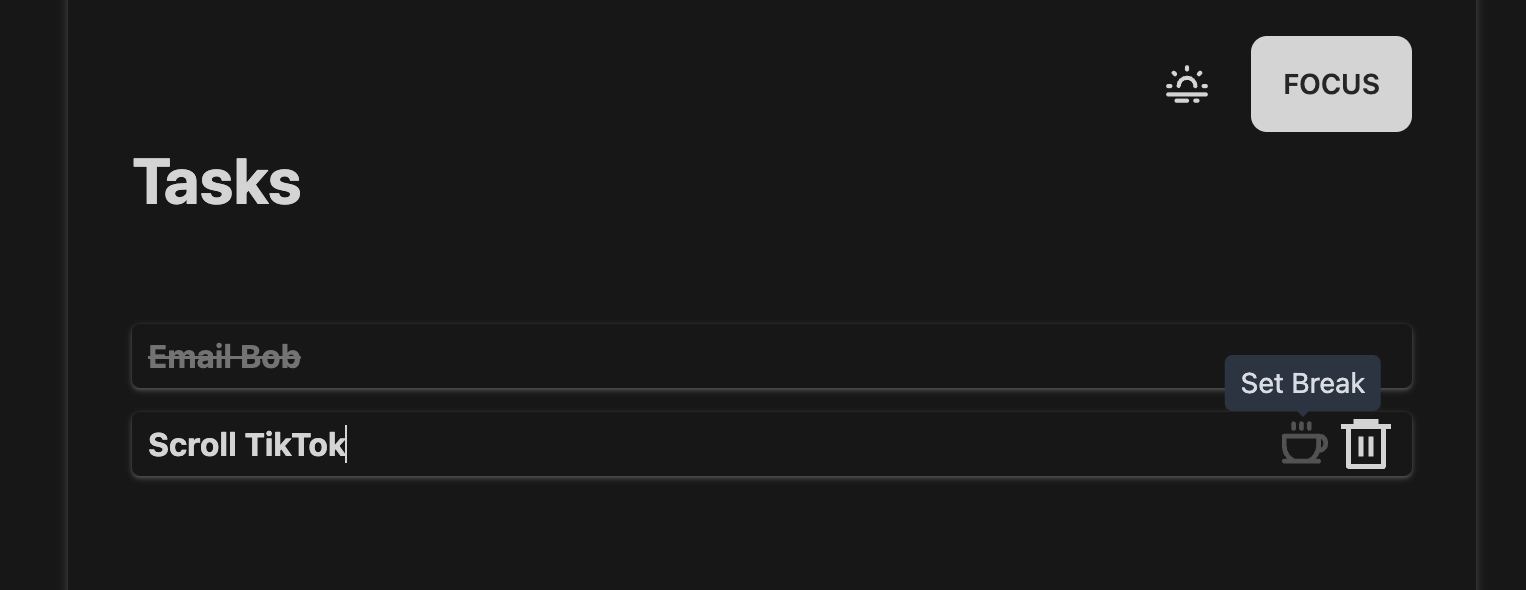
Go to your List and hover over a task to reveal the “Break” button.