> ## Documentation Index
> Fetch the complete documentation index at: https://how.forget.work/llms.txt
> Use this file to discover all available pages before exploring further.
# ➕ Quick Add
> Add a task without losing focus
 ## What is this?
ADHD brains never stop. We're always thinking about the next thing we
need to do.
This is a good thing, but it can also be a bad thing.
If we're not careful, we can get distracted by the next thing we need to do
and lose focus on what we're currently doing.
This is where the Quick Add feature comes in.
## How does it work?
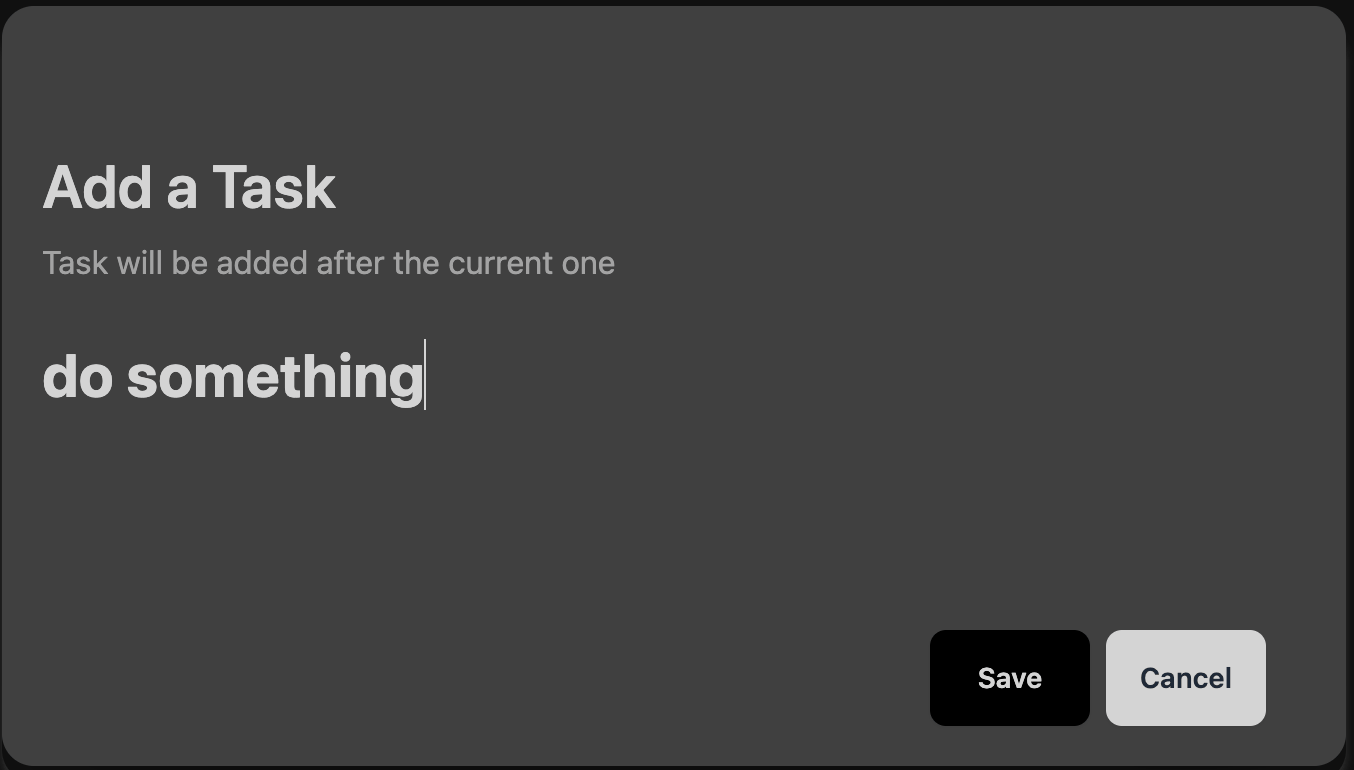
Simply press `n` to open the Quick Add window.
The task will be inserted after the current one.
## Additional Information
### Accessibility
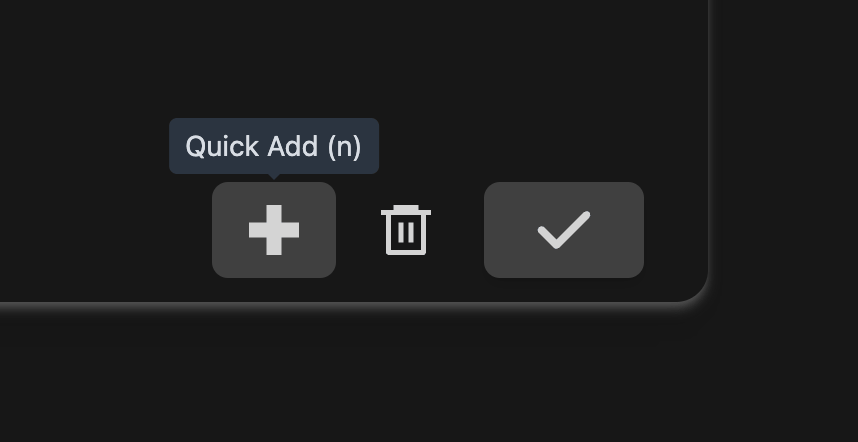
If you prefer to use the mouse, you can find the Quick Add
button by hovering over the checkmark button:
## What is this?
ADHD brains never stop. We're always thinking about the next thing we
need to do.
This is a good thing, but it can also be a bad thing.
If we're not careful, we can get distracted by the next thing we need to do
and lose focus on what we're currently doing.
This is where the Quick Add feature comes in.
## How does it work?
Simply press `n` to open the Quick Add window.
The task will be inserted after the current one.
## Additional Information
### Accessibility
If you prefer to use the mouse, you can find the Quick Add
button by hovering over the checkmark button: